
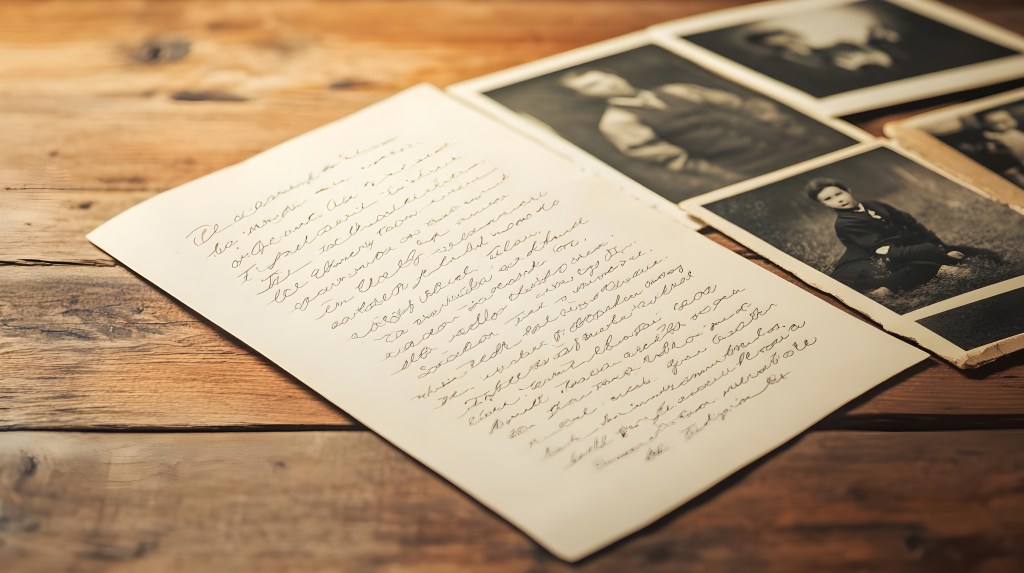
Before you start scanning and organizing, take time to declutter. Sorting through stacks of papers and boxes of photos makes the digitizing process faster, easier, and more effective. Here’s how to decide what to keep and what to let go.
Step 1: Set Clear Goals
Ask yourself:
- Do I need to keep this for legal or sentimental reasons?
- Will I or my family ever look at this again?
- Can I find a digital version elsewhere?
Step 2: Sort into Categories
Divide everything into three piles:
- Keep & Scan – Important records, treasured photos, irreplaceable documents.
- Discard – Blurry photos, duplicate prints, outdated paperwork.
- Store Without Scanning – Originals of critical documents (birth certificates, wills) that need to be kept in paper form.
Step 3: Remove Duplicates
- Keep the best-quality version of a photo.
- If you have multiple copies of the same document, keep only the most up-to-date one.
Step 4: Prioritize What to Scan First
- High-value items (family history, legal papers, rare photos) go first.
- Everyday documents (receipts, notes) can be scanned if needed, then discarded.
Step 5: Store Physical Copies Properly
- Use archival-quality boxes for irreplaceable photos.
- Keep essential paper documents in a fireproof safe.
Final Thought
Decluttering now saves time later. Slim down your collection, digitize what matters, and enjoy an organized digital archive!
This post is part of the Digital Organization Series, where I walk you through everything you need to know about scanning, organizing, and managing your digital files. Whether you’re just starting or looking to refine your system, you can explore the full series here: DIY Series.
 Lalistyle Studios