
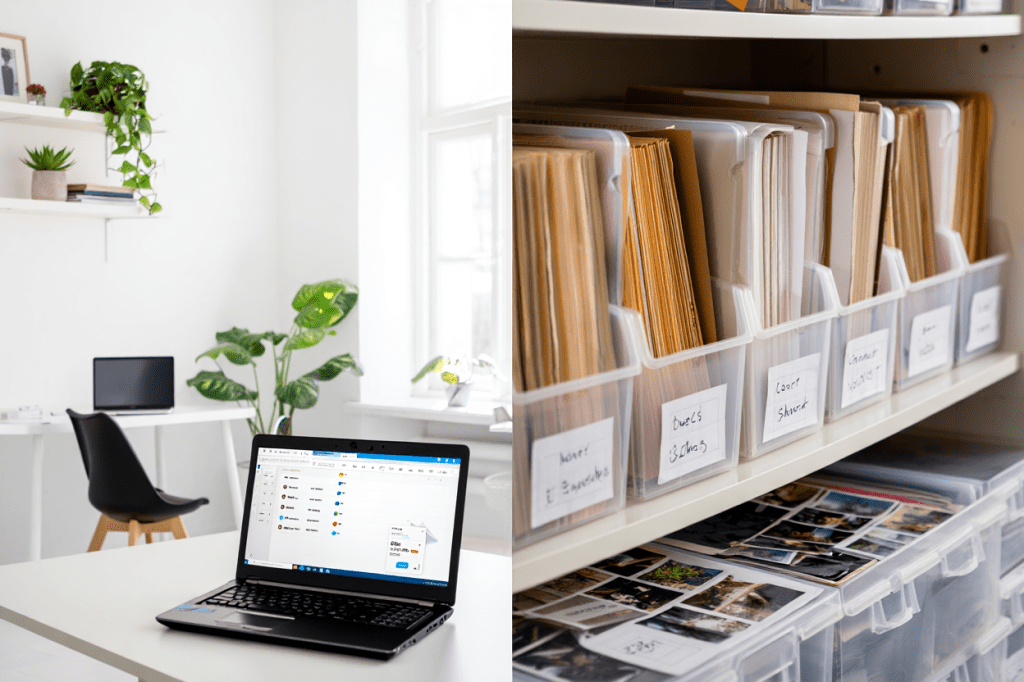
When it comes to managing important documents, you may wonder: Should I digitize everything, keep paper copies, or do both? Each approach has its benefits and drawbacks, and the best choice depends on your needs, security concerns, and accessibility preferences. This guide breaks down the pros and cons of digitizing vs. storing physical documents and when it makes sense to do both.
Option 1: Digitizing Your Documents
Going paperless means scanning your physical documents and storing them as digital files on a computer, cloud storage, or external drives.
✅ Benefits of Digitizing Documents
- Easy Access & Organization – Digital files are searchable, sortable, and accessible from anywhere.
- Space-Saving – Eliminates clutter and reduces the need for filing cabinets.
- Disaster-Proof – Digital copies won’t be damaged by fire, water, or aging.
- Share & Backup Easily – Share important documents instantly and maintain backups for security.
❌ Drawbacks of Going Fully Digital
- Tech Failure Risks – Files can be lost due to hard drive failure, accidental deletion, or hacking.
- Legal Limitations – Some original documents (e.g., birth certificates, notarized contracts) must be kept in physical form.
- Privacy Concerns – Digital files are vulnerable to data breaches if not properly secured.
💡 Best for: Financial records, tax documents, invoices, medical records, contracts, and personal documents you need quick access to.
Option 2: Keeping Physical Copies
Some documents are still best stored in their original paper form, especially when originals are legally required.
✅ Benefits of Keeping Paper Documents
- Originals May Be Required – Some institutions require wet-ink signatures or notarized copies.
- No Tech Dependence – Paper files aren’t affected by power outages or digital failures.
- Legal & Historical Value – Family documents, deeds, and historical records are often best preserved in physical form.
❌ Drawbacks of Paper Storage
- Easily Lost or Damaged – Paper can fade, tear, or be destroyed by fire, water, or pests.
- Takes Up Space – Filing cabinets and storage boxes require room in your home or office.
- Harder to Search – Without an indexing system, finding specific documents can take time.
💡 Best for: Birth certificates, wills, property deeds, marriage licenses, passports, and notarized documents.
Option 3: A Hybrid Approach—The Best of Both Worlds
For most people, a hybrid system—keeping key physical documents while digitizing everything else—is the best solution.
How to Implement a Hybrid System:
- Digitize & Store – Scan all non-essential documents and store them in the cloud and on an external hard drive.
- Keep Originals When Required – Maintain paper copies of legally required documents in a fireproof safe.
- Organize Digital & Physical Copies – Use consistent file names for digital copies and labeled folders for physical ones.
- Set Up a Backup Plan – Keep two digital backups (one on the cloud, one on a local device) and a physical backup in a secure place.
Making the Right Choice for You
The decision between digitizing, storing, or doing both comes down to your security needs, space availability, and access preferences. By implementing a hybrid system, you can enjoy the convenience of digital files while keeping essential originals safe. Start organizing your documents today to ensure accessibility, security, and peace of mind!
 Lalistyle Studios