
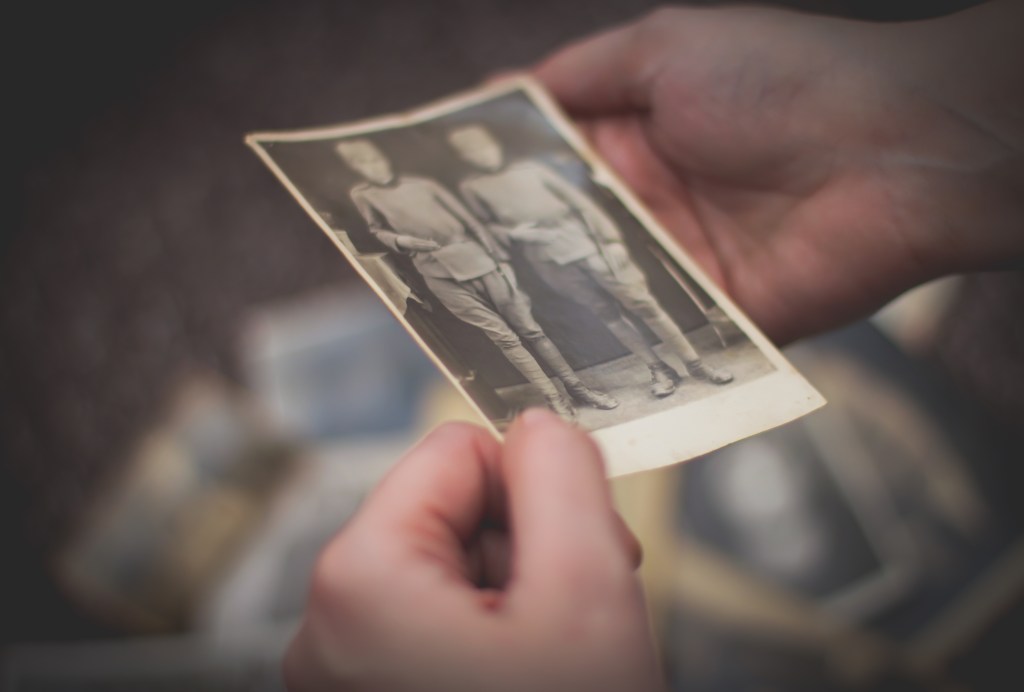
Photos carry emotion. Sometimes they bring joy—and sometimes they’re hard to look at. Whether it’s a picture of someone you’ve lost, a memory from a breakup, or even an image of yourself from a time you’d rather forget, not every photo feels good to keep. This guide will help you decide what to do with emotionally difficult images, offering tools and support for sorting, hiding, or honoring them—without making any rushed decisions.
Years ago, I found a folder of photos from a particularly challenging time in my life. My first instinct was to delete them all, but something made me pause. Today, those same images have become meaningful markers of resilience—visual proof of how far I’ve come.
Step 1: Give Yourself Permission to Feel
Photos tied to grief, conflict, or personal changes can stir up strong emotions. That’s normal. Before you decide what to do with these images, take a pause:
- You don’t have to look at everything at once.
- It’s okay to delay decisions—saving something for later is still a decision.
- What hurts now may bring perspective or healing later.
Step 2: Create a Private Space for Emotionally Charged Photos
Instead of deleting right away, move difficult photos into a separate location that’s easy to avoid but still accessible.
Options by Platform:
- Apple Photos – Use the Hidden album (Settings > Photos > Show Hidden Album).
- Google Photos – Archive photos (select > tap three dots > Archive) to remove them from the main feed.
- Amazon Photos – Create a private album and turn off sharing.
- Windows/Mac – Create a folder labeled “Hold” or “For Later” and store it separately.
💡 Tip: Rename folders or albums neutrally—something like “Review Later” feels lighter than “Breakup” or “Loss.”
Step 3: Use AI Tools to Minimize Emotional Triggers
AI can help reduce the emotional weight of your photo library by letting you avoid images that cause pain—without erasing the memory.
Helpful Features:
- Apple & Google Photos: Facial recognition lets you remove a person from Memories or albums.
- Google Photos: Search for and hide content using keywords like names, dates, or places.
- AI Assistants: Use ChatGPT, Claude, or similar tools to help with:
- Creating organizational systems: “Help me design a folder structure for emotionally complex photos”
- Processing feelings: “Suggest 5 journal prompts to help me process memories from these old photos”
- Sorting strategies: “What’s a gentle approach to organizing photos after a loss?”
Privacy Note: When using AI tools, avoid uploading actual private photos. Instead, describe your organization needs in general terms.
Step 4: Be Honest About Photos of Yourself
You may come across images of yourself you dislike—because of weight, age, style, or simply who you were then.
Instead of deleting:
- Ask: “Would I regret losing this version of myself later?”
- Store them in a private archive.
- Consider adding a note about what was going on in your life—future-you may see the strength you can’t see now.
Sometimes, our least favorite photos become our most meaningful later. Remember too that these images might hold unexpected value for future generations—a window into who you were at different points in your journey.
Step 5: Decide What to Delete (When You’re Ready)
If something brings consistent pain, you have every right to delete it. But you also have other options:
- Archive it indefinitely.
- Move it to a flash drive or external storage and put it away.
- Ask a trusted person to hold the image for you until you decide.
There’s no timeline, and no pressure. You’re allowed to change your mind later.
When You’re Ready to Revisit
Sometimes healing comes through reflection. If and when you feel stronger:
- Revisit the archived folder with fresh eyes.
- Decide if something now feels worth keeping—or worth letting go.
- Notice how your perspective has changed—this itself can be therapeutic, showing your emotional growth over time.
Remember: digital memories aren’t just about holding on. They’re also about knowing when to release.
You’re the Curator of Your Story
Your photo library is personal. It should reflect your values, your growth, and your pace. Whether you delete, hide, rename, or honor the photos that hurt—you’re in control. You get to decide what stays, what goes, and what waits until later.
Be kind to yourself. This isn’t just about photos—it’s about memory, meaning, and moving forward one image at a time.
When the Process Feels Overwhelming
Sorting through emotionally charged photos is deeply personal work, and it’s completely okay if you find it challenging to do alone. Sometimes an objective perspective can make all the difference.
If you’re feeling stuck or overwhelmed by your digital memories:
- Consider working with someone who understands both the emotional and technical aspects of digital organizing
- A professional can help create systems that protect vulnerable memories while still preserving what matters
- Sometimes, sharing the weight of difficult decisions makes them easier to bear
Whether you need a complete organizational system or just guidance on handling specific difficult memories, I’m here to help you preserve what matters most—at your own pace, with sensitivity to the emotions behind every image.
Have questions or want to share your experience dealing with emotionally difficult photos? Leave a comment below or reach out directly through my contact page.
This post is part of the Digital Organization Series, where I walk you through everything you need to know about scanning, organizing, and managing your digital files. Whether you’re just starting or looking to refine your system, you can explore the full series here: DIY Series.
 Lalistyle Studios